
AI Human Interviewer Copilot
Connect Lever to JobTwine Interview Workflow
Keep Lever hiring records connected to the interviews your team runs in JobTwine. Sync jobs, candidates, interviews and feedback, with one integration connection serving users across your organization.

AI Human Interviewer Copilot
Connect Lever to JobTwine Interview Workflow
Keep Lever hiring records connected to the interviews your team runs in JobTwine. Sync jobs, candidates, interviews and feedback, with one integration connection serving users across your organization.
Lever Integration
Keep Interview Feedback Connected to Your Lever Records
When interview work and ATS updates happen separately, recruiters have to move information between systems. The JobTwine–Lever integration connects those steps so your team can keep candidate context and interview feedback together.
One Connection for Your Hiring Team
Set up one integration connection for use across your team, rather than asking every recruiter to establish a separate ATS connection.
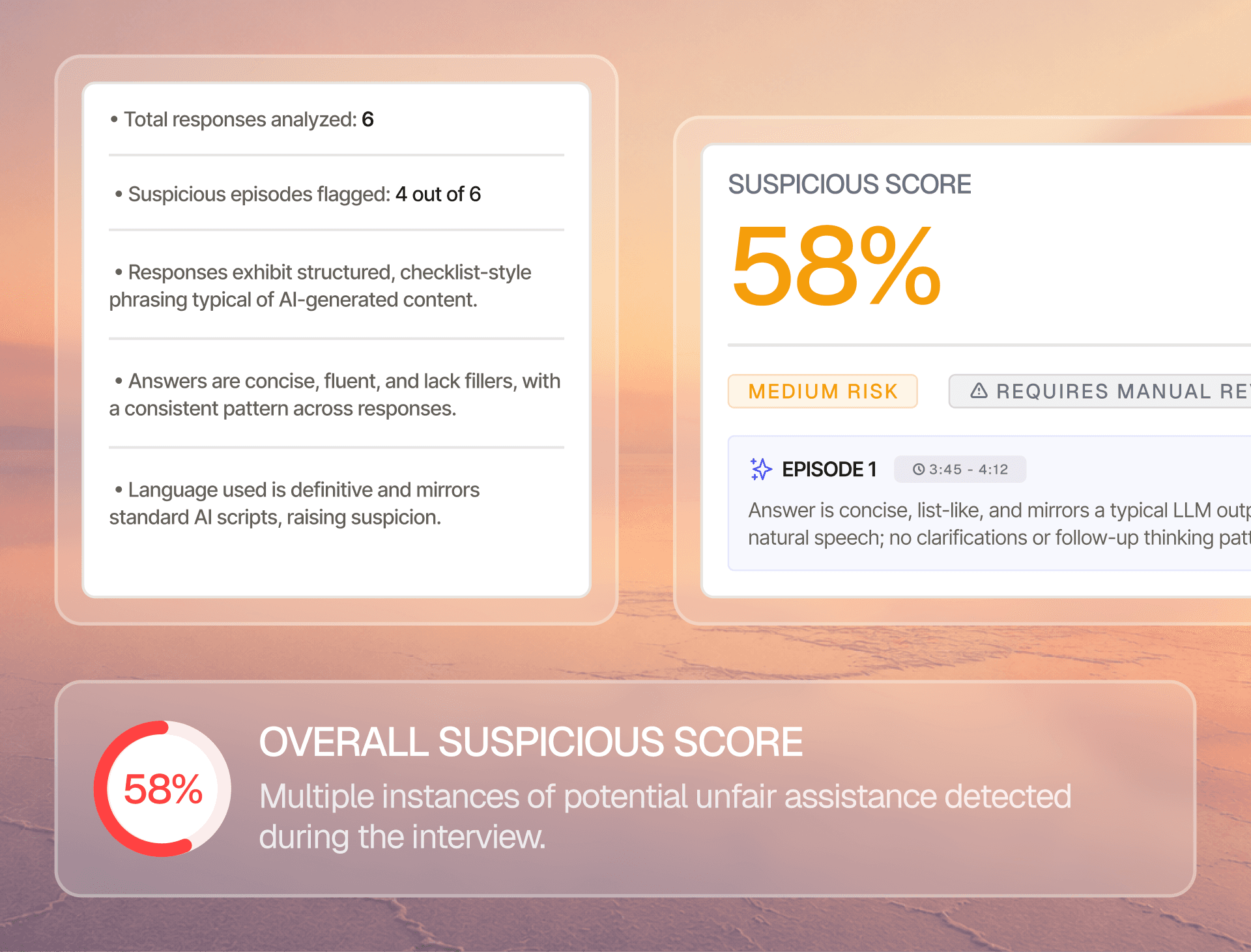
Sync Jobs, Candidates and Interviews
Keep the job, candidate and interview information used by your configured workflow connected between Lever and JobTwine. Role mapping helps configure the connection for your team
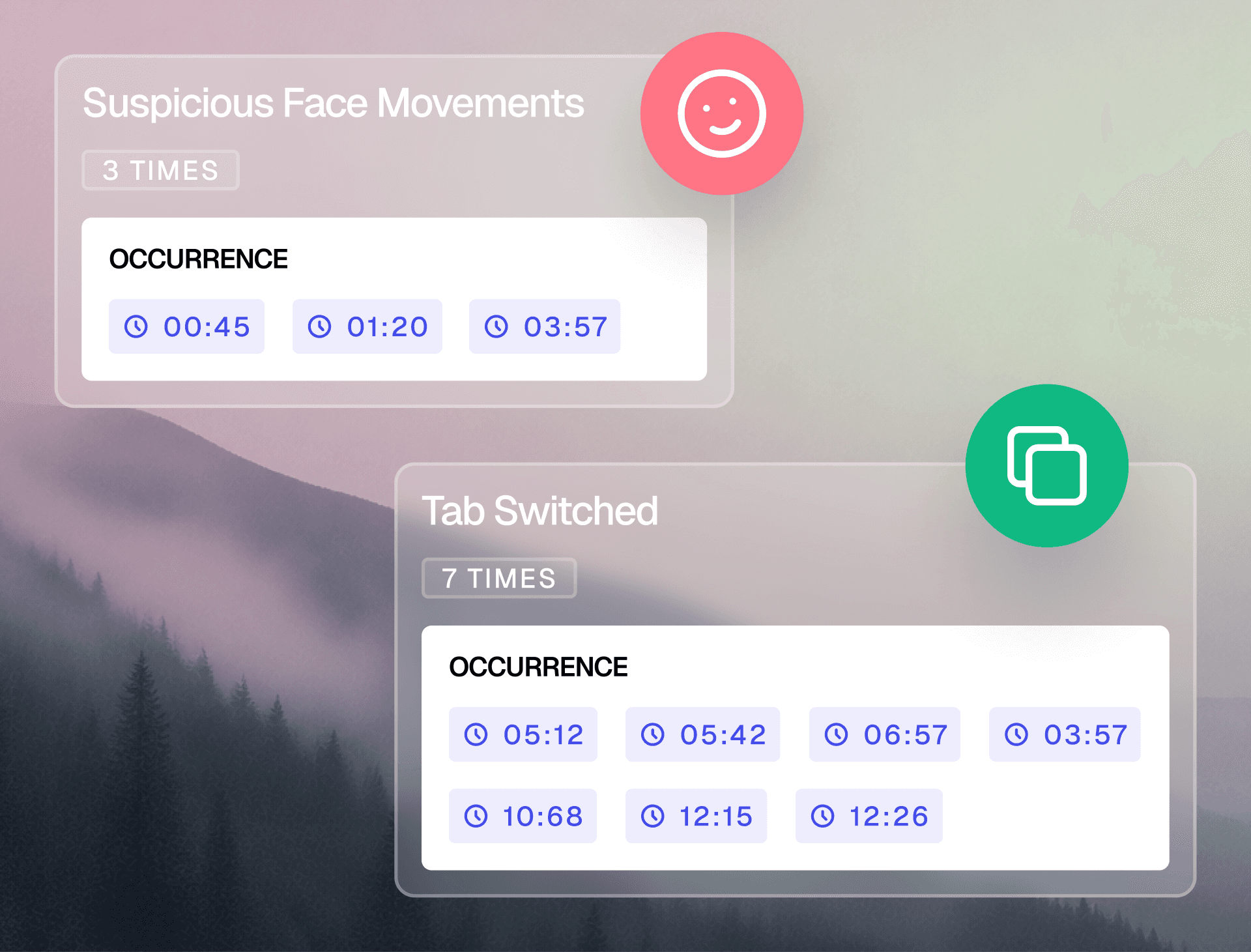
Return Feedback to Your ATS
JobTwine writes interview feedback back to Lever. For supported feedback-entry workflows, the JobTwine Chrome extension also helps users fill in feedback

Lever Integration
Keep Interview Feedback Connected to Your Lever Records
When interview work and ATS updates happen separately, recruiters have to move information between systems. The JobTwine–Lever integration connects those steps so your team can keep candidate context and interview feedback together.
One Connection for Your Hiring Team
Set up one integration connection for use across your team, rather than asking every recruiter to establish a separate ATS connection.
Sync Jobs, Candidates and Interviews
Keep the job, candidate and interview information used by your configured workflow connected between Lever and JobTwine. Role mapping helps configure the connection for your team
Return Feedback to Your ATS
JobTwine writes interview feedback back to Lever. For supported feedback-entry workflows, the JobTwine Chrome extension also helps users fill in feedback
Lever Integration
Keep Interview Feedback Connected to Your Lever Records
When interview work and ATS updates happen separately, recruiters have to move information between systems. The JobTwine–Lever integration connects those steps so your team can keep candidate context and interview feedback together.
One Connection for Your Hiring Team
Set up one integration connection for use across your team, rather than asking every recruiter to establish a separate ATS connection.
Sync Jobs, Candidates and Interviews
Keep the job, candidate and interview information used by your configured workflow connected between Lever and JobTwine. Role mapping helps configure the connection for your team
Return Feedback to Your ATS
JobTwine writes interview feedback back to Lever. For supported feedback-entry workflows, the JobTwine Chrome extension also helps users fill in feedback
How the Lever Integration Fits Your Workflow
Keep your interview process connected to the hiring records your team relies on, so recruiters can focus on evaluating candidates with the context they need.
1. Connect your organization
Configure the shared connection between Lever and JobTwine.
2. Set up mapping and sync
Configure role mapping and confirm the jobs, candidates and interview information included in your workflow
3. Run your interview process.
Use JobTwine with the connected hiring records.
4. Bring feedback back
Write interview feedback to Lever for review in your ATS workflow.
How the Lever Integration Fits Your Workflow
Keep your interview process connected to the hiring records your team relies on, so recruiters can focus on evaluating candidates with the context they need.
1. Connect your organization
Configure the shared connection between Lever and JobTwine.
2. Set up mapping and sync
Configure role mapping and confirm the jobs, candidates and interview information included in your workflow
3. Run your interview process.
Use JobTwine with the connected hiring records.
4. Bring feedback back
Write interview feedback to Lever for review in your ATS workflow.
How the Lever Integration Fits Your Workflow
Keep your interview process connected to the hiring records your team relies on, so recruiters can focus on evaluating candidates with the context they need.
1. Connect your organization
Configure the shared connection between Lever and JobTwine.
2. Set up mapping and sync
Configure role mapping and confirm the jobs, candidates and interview information included in your workflow
3. Run your interview process.
Use JobTwine with the connected hiring records.
4. Bring feedback back
Write interview feedback to Lever for review in your ATS workflow.

Compare JobTwine with Other AI Hiring Tools

Compare JobTwine with Other AI Hiring Tools
Compare JobTwine with Other AI Hiring Tools
Integrations
Zero Adoption Friction. JayT Lives Inside Your Current Interview Tools
JayT AI Human Interviewer Copilot sits inside the interview your team is already running — no new platform, no training week, no tab switching. Your interviewers get live guidance, real-time scoring prompts, and structured cues without breaking their flow. Up and running in hours, not weeks.

Lever

Greenhouse

SmartRecruiters

Ashby

Workday

icims

Google Meet

Zoom

Microsoft Teams
50+ More ATS
Integrations
Zero Adoption Friction. JayT Lives Inside Your Current Interview Tools
JayT AI Human Interviewer Copilot sits inside the interview your team is already running — no new platform, no training week, no tab switching. Your interviewers get live guidance, real-time scoring prompts, and structured cues without breaking their flow. Up and running in hours, not weeks.
Lever
Greenhouse
Smart Recruiters
Ashby
Workday
icims
Google Meet
Zoom
Microsoft Teams
50+ More ATS
Integrations
Zero Adoption Friction. JayT Lives Inside Your Current Interview Tools
JayT AI Human Interviewer Copilot sits inside the interview your team is already running — no new platform, no training week, no tab switching. Your interviewers get live guidance, real-time scoring prompts, and structured cues without breaking their flow. Up and running in hours, not weeks.
Lever
Greenhouse
Smart
Recruiters
Ashby
Workday
iCIMS
Google Meet
Zoom
Microsoft Teams
50+ More ATS
See JobTwine’s Lever Integration in Action
See how JobTwine connects with Lever to bring hiring records, interview activity and feedback into your team’s workflow.
Connect once for your hiring team.
Sync jobs, candidates and interviews.
Write interview feedback back to Lever.
See JobTwine’s Lever Integration in Action
See how JobTwine connects with Lever to bring hiring records, interview activity and feedback into your team’s workflow.
Connect once for your hiring team.
Sync jobs, candidates and interviews.
Write interview feedback back to Lever.
See JobTwine’s Lever Integration in Action
See how JobTwine connects with Lever to bring hiring records, interview activity and feedback into your team’s workflow.
Connect once for your hiring team.
Sync jobs, candidates and interviews.
Write interview feedback back to Lever.
FAQs
Frequently Asked Questions About Lever Integration
Does every recruiter need to connect Lever separately?
No. The integration supports a shared connection across users in your organization. Confirm the required setup permissions with your JobTwine representative.
Does this replace Lever?
Can JobTwine write feedback back to Lever?
What does the Chrome extension do?
How long does it take to set up the Lever integration?
Does every interviewer need a JobTwine account connected to Lever?
Where does JobTwine write candidate feedback in Lever?
FAQs
Frequently Asked Questions About Lever Integration
Does every recruiter need to connect Lever separately?
No. The integration supports a shared connection across users in your organization. Confirm the required setup permissions with your JobTwine representative.
Does this replace Lever?
Can JobTwine write feedback back to Lever?
What does the Chrome extension do?
How long does it take to set up the Lever integration?
Does every interviewer need a JobTwine account connected to Lever?
Where does JobTwine write candidate feedback in Lever?
FAQs
Frequently Asked Questions About Lever Integration
Does every recruiter need to connect Lever separately?
No. The integration supports a shared connection across users in your organization. Confirm the required setup permissions with your JobTwine representative.