
AI Human Interviewer Copilot
Connect Microsoft Teams to JobTwine
Bring Microsoft Teams into your JobTwine interview setup with a per-user connection. Recruiters, admins and hiring managers can connect their own accounts.

AI Human Interviewer Copilot
Connect Microsoft Teams to JobTwine
Bring Microsoft Teams into your JobTwine interview setup with a per-user connection. Recruiters, admins and hiring managers can connect their own accounts.
Google Meet Integrations
Use Teams Within Your JobTwine Interview Setup
For hiring teams that use Microsoft Teams, JobTwine provides a connection at the individual-user level. Recruiters, admins and hiring managers can each integrate the account they use for interviews.
An Individual Connection
Each user connects their own account. The connection is configured at the user level rather than shared across the organization.
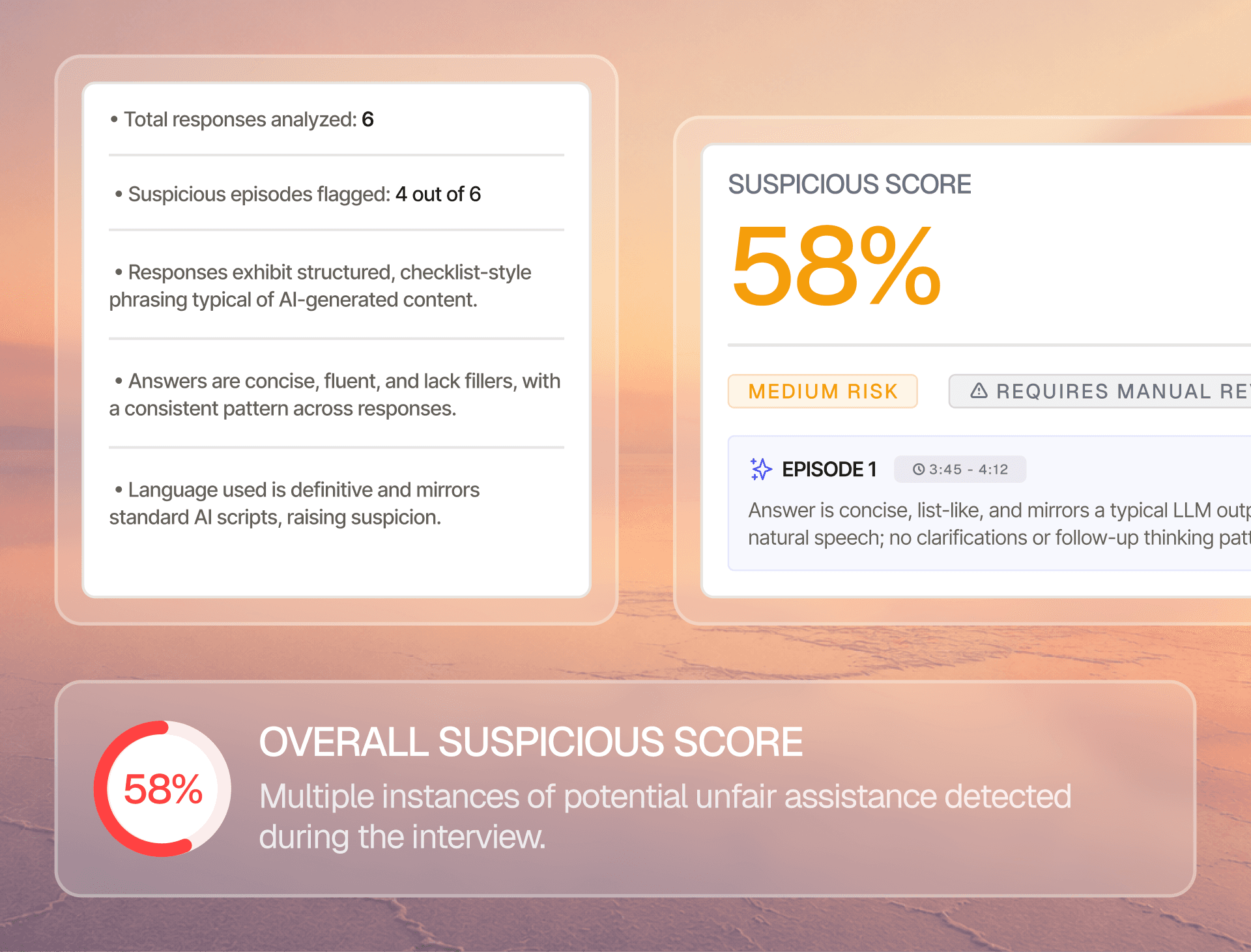
Available to Three Hiring Roles
Recruiters, admins and hiring managers can integrate Microsoft Teams. This supports the people involved in organizing and conducting interviews.
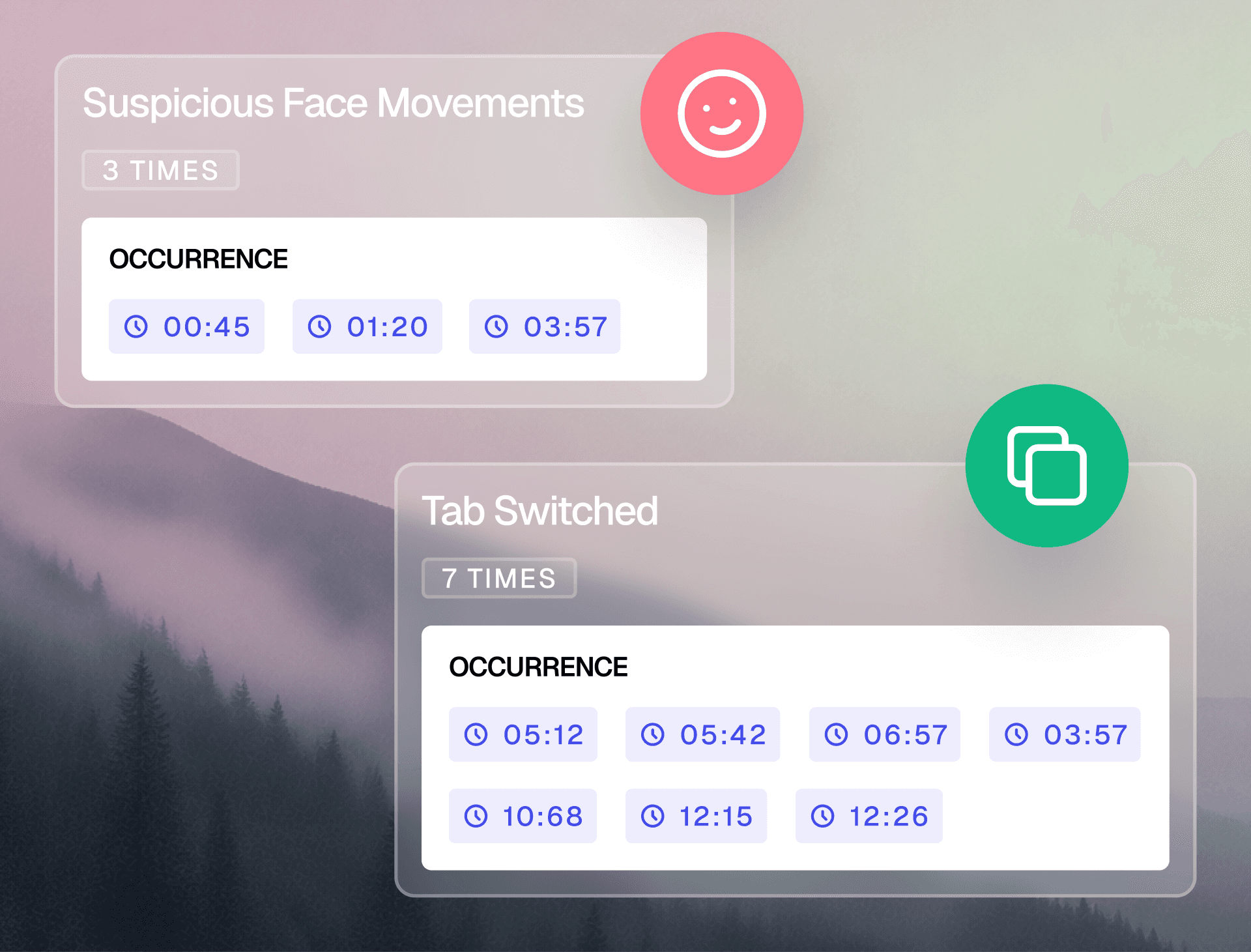
Part of Your Interview Setup
Connect Microsoft Teams as the meeting-tool component of your JobTwine workflow. Calendar connections are managed separately.
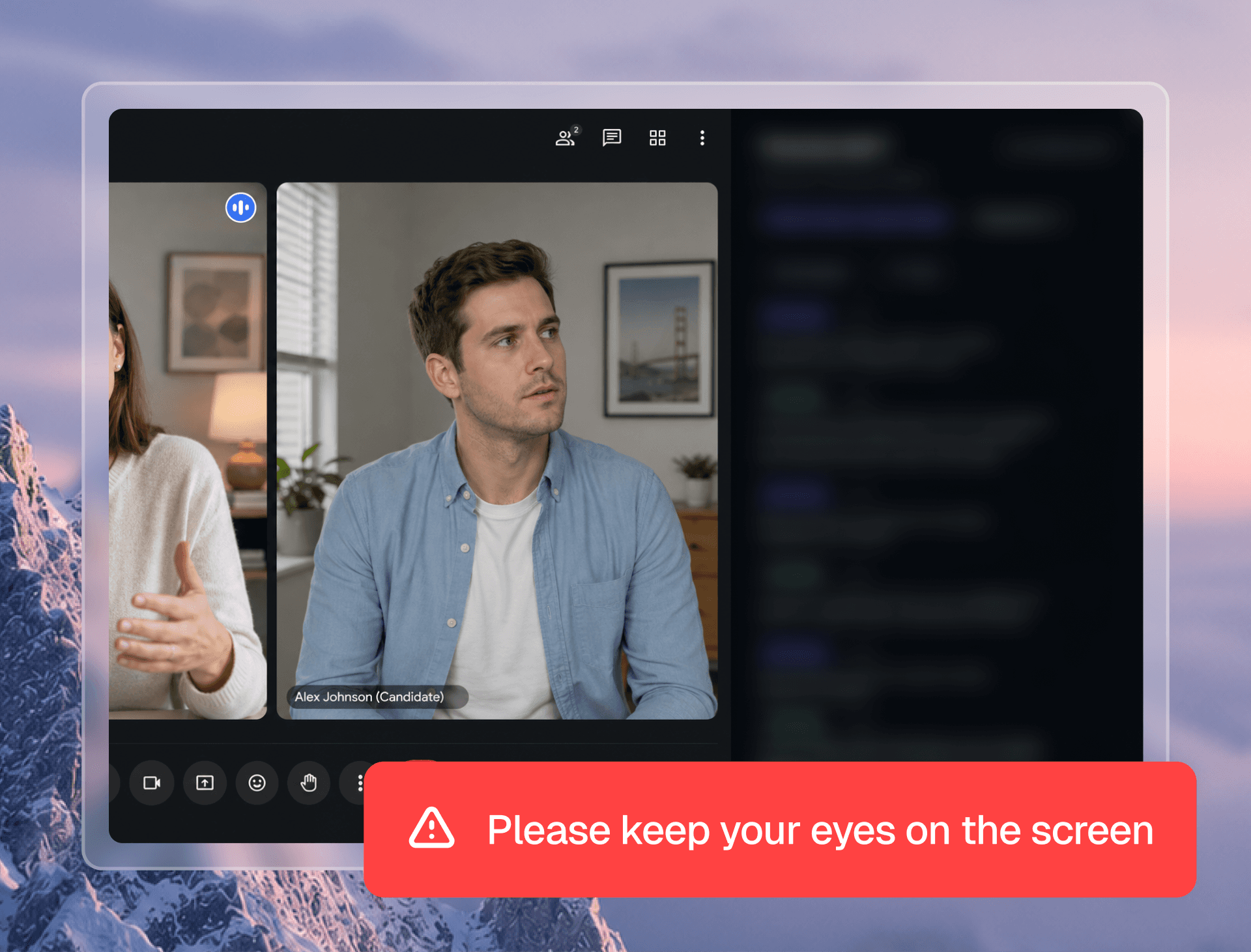
Google Meet Integrations
Use Teams Within Your JobTwine Interview Setup
For hiring teams that use Microsoft Teams, JobTwine provides a connection at the individual-user level. Recruiters, admins and hiring managers can each integrate the account they use for interviews.
An Individual Connection
Each user connects their own account. The connection is configured at the user level rather than shared across the organization.
Available to Three Hiring Roles
Recruiters, admins and hiring managers can integrate Microsoft Teams. This supports the people involved in organizing and conducting interviews.
Part of Your Interview Setup
Connect Microsoft Teams as the meeting-tool component of your JobTwine workflow. Calendar connections are managed separately.
Google Meet Integrations
Use Teams Within Your JobTwine Interview Setup
For hiring teams that use Microsoft Teams, JobTwine provides a connection at the individual-user level. Recruiters, admins and hiring managers can each integrate the account they use for interviews.
An Individual Connection
Each user connects their own account. The connection is configured at the user level rather than shared across the organization.
Available to Three Hiring Roles
Recruiters, admins and hiring managers can integrate Microsoft Teams. This supports the people involved in organizing and conducting interviews.
Part of Your Interview Setup
Connect Microsoft Teams as the meeting-tool component of your JobTwine workflow. Calendar connections are managed separately.
How to get Started with Google Meet Integration
JobTwine's structured interview feedback helps organize candidate evaluation. The integration brings feedback back into the ATS workflow where your team manages hiring activity.
Check your role
Confirm you’re a recruiter, admin or hiring manager.
Connect Google Meet.
Set up the connection using your individual account.
Review your setup
Confirm the supported interview workflow with the JobTwine team.
Test before interviewing.
Run a test meeting to check your setup before inviting candidates.
How to get Started with Google Meet Integration
JobTwine's structured interview feedback helps organize candidate evaluation. The integration brings feedback back into the ATS workflow where your team manages hiring activity.
Check your role
Confirm you’re a recruiter, admin or hiring manager.
Connect Google Meet.
Set up the connection using your individual account.
Review your setup
Confirm the supported interview workflow with the JobTwine team.
Test before interviewing.
Run a test meeting to check your setup before inviting candidates.
How to get Started with Google Meet Integration
JobTwine's structured interview feedback helps organize candidate evaluation. The integration brings feedback back into the ATS workflow where your team manages hiring activity.
Check your role
Confirm you’re a recruiter, admin or hiring manager.
Connect Google Meet.
Set up the connection using your individual account.
Review your setup
Confirm the supported interview workflow with the JobTwine team.
Test before interviewing.
Run a test meeting to check your setup before inviting candidates.

Compare JobTwine with Other AI Hiring Tools
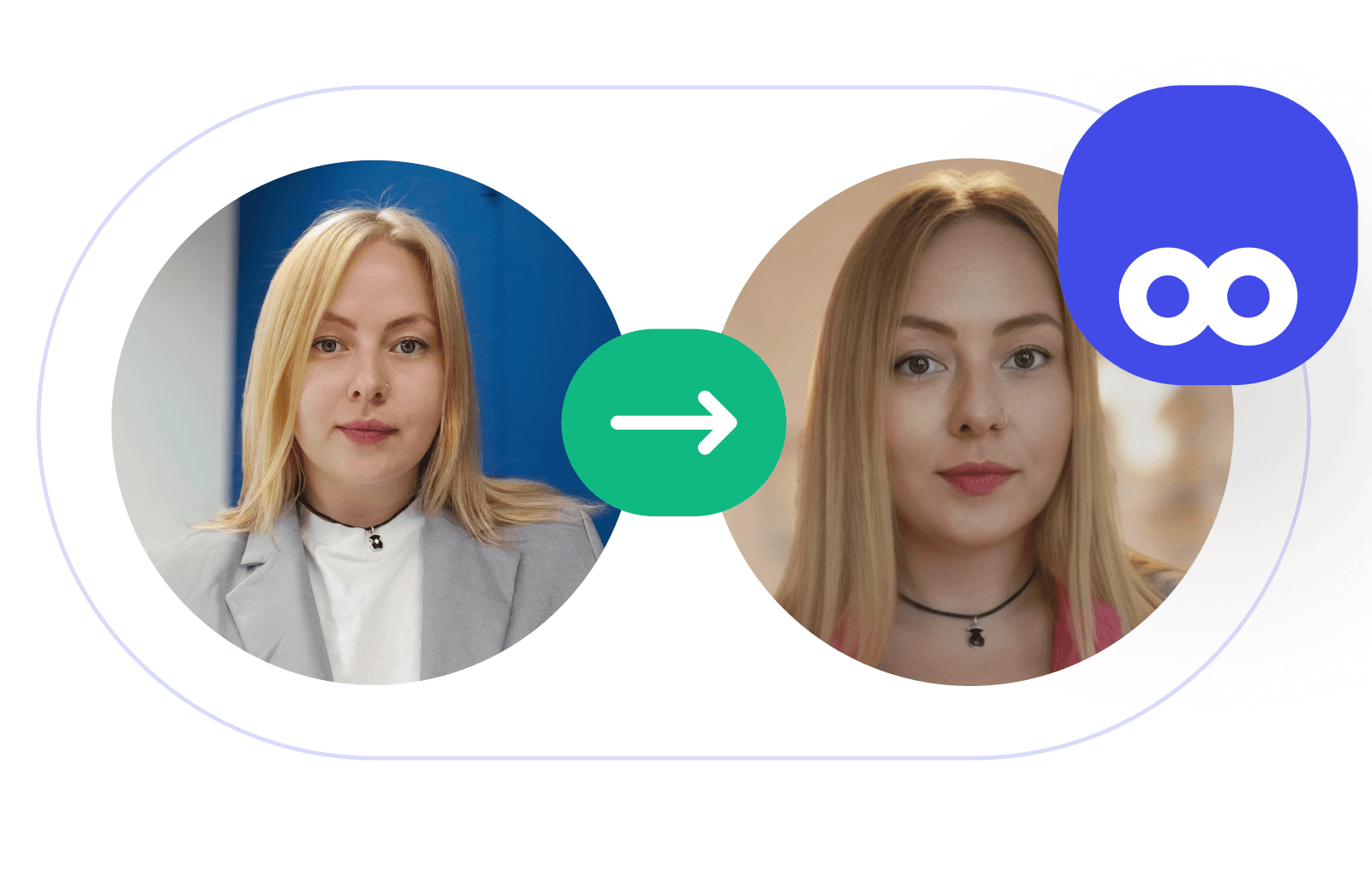
Compare JobTwine with Other AI Hiring Tools
Compare JobTwine with Other AI Hiring Tools
Integrations
Zero Adoption Friction. JayT Lives Inside Your Current Interview Tools
JayT AI Human Interviewer Copilot sits inside the interview your team is already running — no new platform, no training week, no tab switching. Your interviewers get live guidance, real-time scoring prompts, and structured cues without breaking their flow. Up and running in hours, not weeks.

Lever

Greenhouse

SmartRecruiters

Ashby

Workday

icims

Google Meet

Zoom
Microsoft Teams
50+ More ATS
Integrations
Zero Adoption Friction. JayT Lives Inside Your Current Interview Tools
JayT AI Human Interviewer Copilot sits inside the interview your team is already running — no new platform, no training week, no tab switching. Your interviewers get live guidance, real-time scoring prompts, and structured cues without breaking their flow. Up and running in hours, not weeks.
Lever
Greenhouse
Smart Recruiters
Ashby
Workday
icims
Google Meet
Zoom
Microsoft Teams
50+ More ATS
Integrations
Zero Adoption Friction. JayT Lives Inside Your Current Interview Tools
JayT AI Human Interviewer Copilot sits inside the interview your team is already running — no new platform, no training week, no tab switching. Your interviewers get live guidance, real-time scoring prompts, and structured cues without breaking their flow. Up and running in hours, not weeks.
Lever
Greenhouse
Smart
Recruiters
Ashby
Workday
iCIMS
Google Meet
Zoom
Microsoft Teams
50+ More ATS
See JobTwine’s Microsoft Teams Integration in Action
Explore how to connect your Microsoft Teams account to JobTwine and configure it for your interview workflow.
Connect your own Microsoft Teams account.
Available to recruiters, admins and hiring managers.
Bring Microsoft Teams into your JobTwine interview workflow.
See JobTwine’s Microsoft Teams Integration in Action
Explore how to connect your Microsoft Teams account to JobTwine and configure it for your interview workflow.
Connect your own Microsoft Teams account.
Available to recruiters, admins and hiring managers.
Bring Microsoft Teams into your JobTwine interview workflow.
See JobTwine’s Microsoft Teams Integration in Action
Explore how to connect your Microsoft Teams account to JobTwine and configure it for your interview workflow.
Connect your own Microsoft Teams account.
Available to recruiters, admins and hiring managers.
Bring Microsoft Teams into your JobTwine interview workflow.
FAQs
Frequently Asked Questions About Microsoft Teams Integration
Who can connect Microsoft Teams to JobTwine?
Users with recruiter, admin or hiring manager roles can integrate Microsoft Teams.
Can an admin connect Microsoft Teams once for everyone?
Is the Teams integration the same as Outlook Calendar?
Who can connect the Microsoft Teams integration?
Does Microsoft Teams record and transcribe the call automatically?
FAQs
Frequently Asked Questions About Microsoft Teams Integration
Who can connect Microsoft Teams to JobTwine?
Users with recruiter, admin or hiring manager roles can integrate Microsoft Teams.
Can an admin connect Microsoft Teams once for everyone?
Is the Teams integration the same as Outlook Calendar?
Who can connect the Microsoft Teams integration?
Does Microsoft Teams record and transcribe the call automatically?
FAQs
Frequently Asked Questions About Microsoft Teams Integration
Who can connect Microsoft Teams to JobTwine?
Users with recruiter, admin or hiring manager roles can integrate Microsoft Teams.